 Iffa Jayyana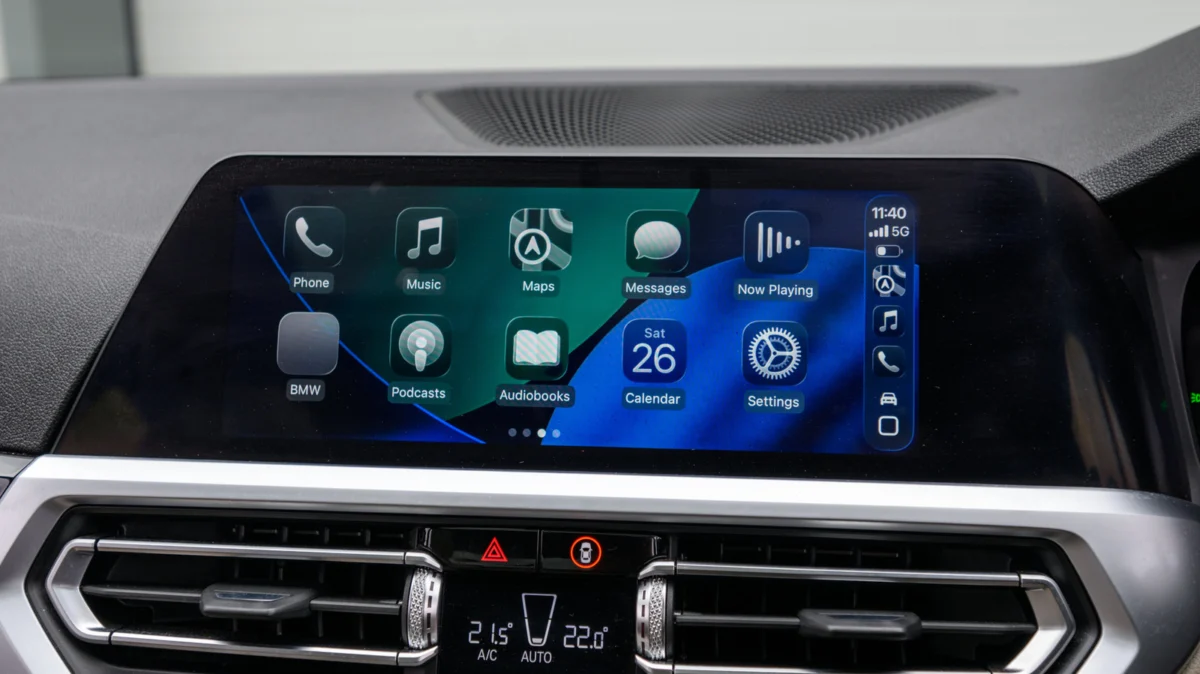
For millions of drivers, the Apple CarPlay experience is a staple of the modern commute. It seamlessly bridges the digital gap between our smartphones and our vehicles, offering navigation, music streaming, and hands-free communication. Yet, for many, the "wired" reality remains a tethered nuisance—a physical cable that must be plugged in every time one enters the vehicle.
While manufacturers have increasingly adopted wireless CarPlay as a standard feature in newer models, a massive segment of the car-owning population remains stuck with USB-only connectivity. Fortunately, the aftermarket industry has responded with a clever solution: the wireless CarPlay adapter. However, the path to a seamless wireless experience is fraught with compatibility hurdles, performance variances, and technical pitfalls. Before you invest in a "plug-and-play" dongle, it is essential to understand the underlying technology and the critical factors that determine success.
The Core Facts: How Wireless CarPlay Adapters Actually Work
To understand why you need a specific adapter, you must first understand the architecture of CarPlay itself. Wired CarPlay relies on the high-speed data transfer capabilities of the Lightning or USB-C connection to send audio and video signals to the car’s infotainment system. Wireless CarPlay, by contrast, uses a combination of Bluetooth and Wi-Fi to create a secure, high-bandwidth connection.
Wireless CarPlay adapters act as a "translator" or bridge. The device plugs into your vehicle’s existing USB data port—the same one you would typically use for your charging cable. Once powered, the adapter broadcasts a Bluetooth signal that your iPhone detects. After the initial "handshake," the adapter instructs your iPhone to switch to a dedicated Wi-Fi network that the dongle creates. This Wi-Fi connection is what handles the heavy lifting of streaming the CarPlay interface, while the Bluetooth connection manages the low-power control commands.
The primary benefit is obvious: convenience. You can leave your iPhone in your pocket, bag, or a wireless charging pad while maintaining full functionality of the dashboard interface. However, because these devices are effectively tiny computers intercepting and relaying data, they are prone to hardware limitations that do not exist with native, factory-installed wireless CarPlay.
Chronology: From Wired Necessity to Wireless Freedom
The evolution of in-car connectivity has moved at a staggering pace, yet it has left behind a significant "legacy gap."

- 2014: Apple introduces CarPlay, exclusively as a wired feature. At the time, vehicle infotainment systems lacked the processing power and specialized Wi-Fi hardware to handle the latency requirements of wireless projection.
- 2015-2018: As adoption grows, consumers begin to demand the ability to use their phones without cables. Manufacturers begin testing proprietary wireless solutions, but these are mostly reserved for high-end luxury vehicles.
- 2019-2021: Apple refines the wireless CarPlay protocol, making it more stable. Simultaneously, aftermarket electronics manufacturers begin reverse-engineering the protocol to create the first generation of USB-to-wireless dongles.
- 2022-Present: The market explodes with dozens of "generic" adapters. While this drives prices down—often into the $30–$50 range—it also introduces a quality crisis, where inconsistent firmware and poor hardware optimization lead to frustration for end-users.
Supporting Data: Why Hardware Specs Matter
Not all adapters are created equal. When browsing for a device, consumers often focus solely on price, ignoring the technical specifications that dictate the quality of the user experience.
1. Wi-Fi Frequency and Standards
The most common complaint regarding cheap adapters is "input lag." When you tap a button on your screen, there is a delay before the action occurs. This is almost always caused by an adapter that relies on the congested 2.4GHz Wi-Fi band. High-quality adapters utilize 5GHz (or dual-band) Wi-Fi. The 5GHz band provides the high bandwidth necessary for fluid touch-screen response and clear audio streaming, with significantly less interference from external signals.
2. Bluetooth 5.0 and Beyond
Bluetooth is responsible for the initial discovery and pairing process. Older adapters using Bluetooth 4.0 or 4.2 may struggle to reconnect automatically when you start the car. Modern units equipped with Bluetooth 5.0 or higher provide a faster, more robust handshake, ensuring that your music starts playing seconds after the ignition is turned on, rather than requiring a manual trip to the settings menu.
3. Firmware Updateability
This is perhaps the most critical, yet overlooked, feature. Apple frequently updates iOS, and these updates often contain changes to how CarPlay handles data packets. An adapter that does not support firmware updates will eventually become a "brick" once an iOS update renders it incompatible. Always ensure the product page explicitly mentions "OTA" (Over-the-Air) updates or a way to flash the device via a computer.
Compatibility: The "Check Before You Buy" Checklist
Before purchasing any device, you must perform a due diligence audit of your current vehicle setup.
- The Port Check: Identify whether your vehicle uses USB-A or USB-C. While you can buy a simple USB-A to USB-C adapter, these can occasionally cause data bottlenecks or power issues. It is always better to buy a device that matches your vehicle’s port natively.
- Factory System Requirements: These adapters are not magic; they cannot add CarPlay to a car that doesn’t have it. If your vehicle lacks native, wired CarPlay support, you are better off investing in a dedicated aftermarket head unit (such as those from Alpine or Pioneer) or a portable CarPlay screen that mounts to your dashboard.
- User Forums and Compatibility Lists: Brands like Ottocast or Amzfeel often publish compatibility lists. However, forums like Reddit’s r/CarPlay or specialized automotive enthusiast boards are often more accurate. Search for your specific car model and year alongside the adapter brand to see if other owners have reported connection drops or audio sync issues.
Implications: The Trade-offs of Aftermarket Solutions
While the allure of a clutter-free dashboard is strong, users should be aware of the inherent implications of using an aftermarket bridge.
Reliability vs. Factory Integration
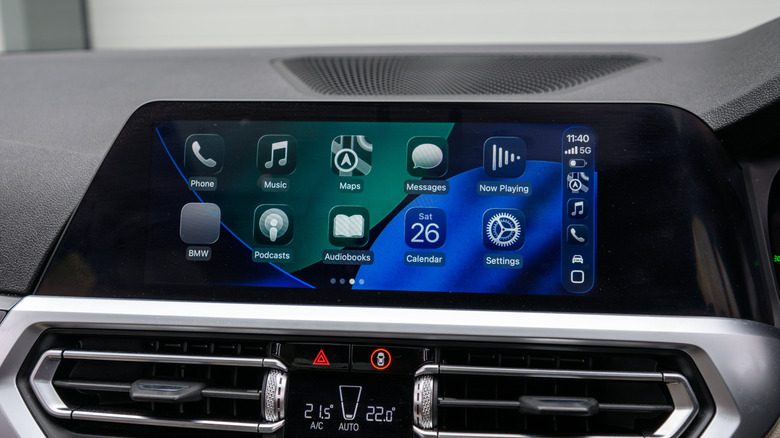
Native wireless CarPlay is integrated into the vehicle’s onboard computer, meaning it has priority access to the car’s power management and display drivers. An aftermarket adapter, by contrast, is a third-party peripheral. Occasionally, you may encounter "black screen" issues or instances where the adapter fails to wake up from a deep sleep cycle, requiring you to unplug and re-plug the device.
Battery Drain
Wireless CarPlay is notoriously power-hungry. When connected via a cable, your iPhone is simultaneously charging. When using a wireless adapter, you are relying on your phone’s battery to maintain a high-performance Wi-Fi and Bluetooth connection. For long road trips, you will almost certainly need to invest in a dedicated wireless charging mount to keep your phone from dying mid-journey.
Future-Proofing
The automotive world is moving toward "CarPlay 2.0," which promises deeper integration with vehicle clusters and climate controls. These advanced features will likely require native hardware support from the vehicle manufacturer. While current wireless adapters are excellent for basic navigation and media playback, they are a stop-gap solution. They serve the present need, but they are unlikely to bridge the gap to the next generation of Apple’s automotive software.
Final Recommendations for the Consumer
If you decide to proceed with the purchase, prioritize the following:
- Look for "Auto-Reconnect" as a core feature. This should be standard, but verify it in user reviews.
- Prioritize brands with established customer support. The market is flooded with "white-label" dropshipped electronics. Buying from a brand with a web presence, clear documentation, and a history of firmware support will save you money in the long run.
- Manage your expectations. You are adding a layer of complexity to your vehicle’s electronics. Expect the occasional glitch, and ensure the device you buy has a clear return policy.
In conclusion, converting to wireless CarPlay is a transformative upgrade for your daily drive, provided you select your hardware with care. By focusing on modern wireless standards, firmware support, and specific vehicle compatibility, you can effectively modernize your cockpit without the cost of a new vehicle. Treat the adapter as a piece of precision hardware, and it will reward you with the freedom of a truly connected, cable-free experience.

 Azzam Bilal Chamdy
 Laily UPN