Rifan Muazin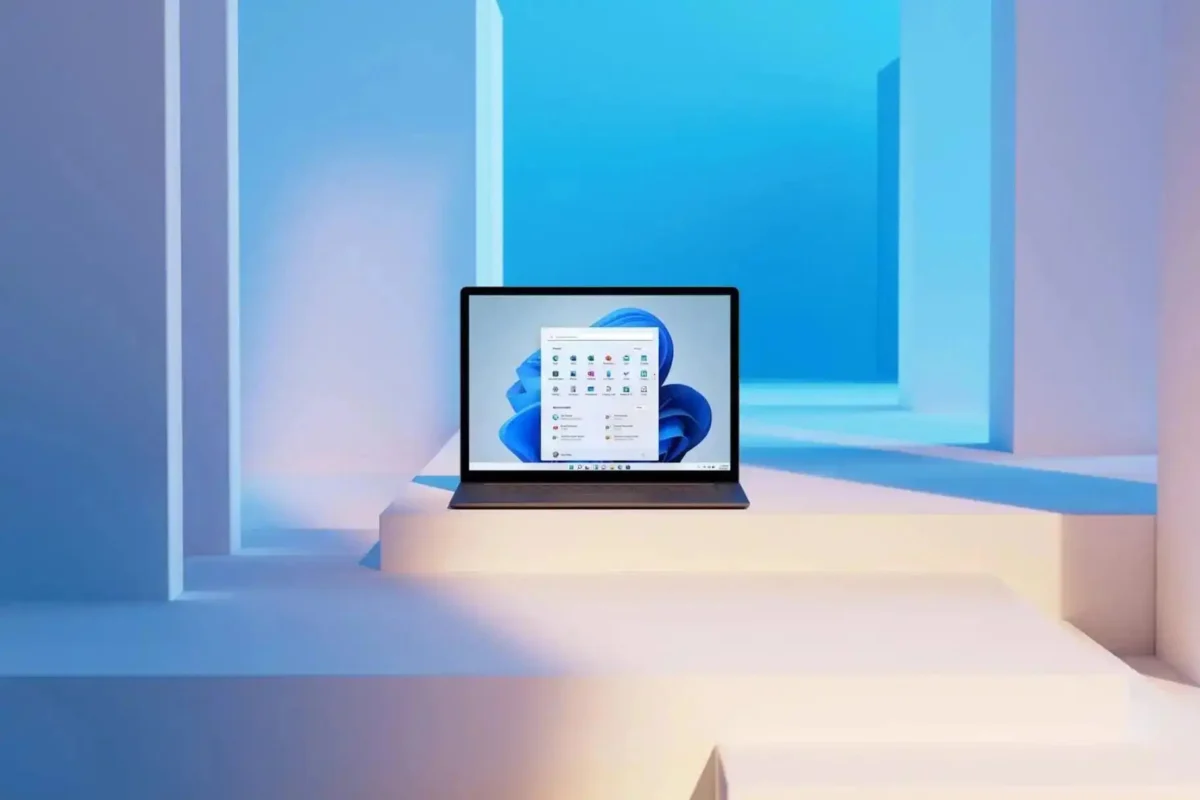
For years, a pervasive criticism has dogged Microsoft’s flagship operating system: despite the immense power of modern multi-core processors, Windows 11 often feels surprisingly heavy. Even on premium hardware equipped with the latest silicon and high-speed NVMe storage, users frequently encounter micro-stutters, delayed Start menu flyouts, and sluggish context menus. These "invisible" lags, while lasting only fractions of a second, create a cumulative friction that makes the OS feel less cohesive and polished than its primary competitor, macOS.
Microsoft, it appears, is finally ready to tackle this perception of bloat head-on. The company is currently testing a sophisticated new performance-tuning mechanism dubbed the "Low Latency Profile." By allowing the CPU to briefly burst to its maximum clock frequency during critical user interactions, Microsoft hopes to bridge the gap between perceived performance and raw hardware capability.
The Anatomy of the Performance Gap
To understand why this change is significant, one must first understand the nature of modern CPU power management. Most contemporary processors, whether from Intel or AMD, spend the vast majority of their time in a low-power state to conserve energy and reduce heat. When a user clicks an icon or opens a menu, the CPU must "wake up" and ramp up its clock speed. This transition, while measured in milliseconds, is exactly what users perceive as "lag."

In the current version of Windows 11, the operating system is cautious about ramping up power, often waiting for a sustained load to trigger a performance boost. This is excellent for battery life, but suboptimal for the rapid, bursty nature of desktop navigation. The "Low Latency Profile" effectively flips this script, prioritizing immediate responsiveness over extreme power efficiency for a brief window.
A Chronology of Microsoft’s Optimization Push
The development of the Low Latency Profile is not an isolated experiment; it is the latest chapter in a multi-year, strategic push by Microsoft to streamline the Windows 11 interface.
- Early 2024: Microsoft began rolling out minor but noticeable speed optimizations to the "right-click" context menu, which had been a significant pain point for power users since the launch of Windows 11.
- Late 2024: The company shifted focus toward File Explorer, introducing architectural changes that allowed for faster directory loading and improved navigation stability.
- Mid-2025: Broader "under-the-hood" telemetry improvements were deployed, aimed at reducing the number of background processes that compete for CPU cycles during user-initiated tasks.
- May 2026: Reports surfaced via early build testers and Windows Central detailing the "Low Latency Profile." This feature represents a departure from merely optimizing code; it is a direct intervention in how the OS interacts with hardware power states.
Putting Performance to the Test: The Data
The promise of the Low Latency Profile is tangible. According to recent benchmarks conducted on internal builds, the results are striking. When the feature is active, the system aggressively targets high-priority actions: opening the Start menu, invoking search, opening system flyouts (like the Quick Settings panel), and launching frequently used applications.

Data indicates that:
- Application Launch Speeds: Native and common third-party applications, such as Microsoft Edge and Outlook, have shown launch time improvements of up to 40%.
- UI Responsiveness: Interactions with the Start menu and the context menu have seen improvements of as much as 70%.
- Latency Reduction: By eliminating the "ramp-up" delay of the CPU, the system achieves a near-instantaneous response time, mirroring the snappy, fluid feel users have long praised in rival operating systems.
The mechanism is elegant in its simplicity: when the OS detects a high-priority interrupt (the user clicking a UI element), it forces the CPU to its maximum frequency for a duration of one to three seconds. This is just long enough to complete the task before the processor is allowed to return to its power-saving state.
Addressing the Trade-offs: Heat and Battery Life
The most immediate concern for laptop users—who make up the majority of the Windows 11 user base—is whether this constant "bursting" of the CPU will result in premature battery drain or thermal throttling.

Current internal reporting suggests that Microsoft has been extremely careful in its implementation. Because the boost is limited to a window of just one to three seconds, the total energy consumption increase is statistically negligible over the course of an hour of use. Furthermore, by keeping the CPU at high power for such a short duration, the chip does not reach the temperatures required to trigger internal fans, thereby maintaining both silence and thermal stability.
However, the question remains: will this feature be mandatory, or will power users have the agency to toggle it? As of the current testing phase, Microsoft has not finalized the user interface for these settings. It is possible that the profile will be integrated into the existing "Power Mode" settings (Balanced, Best Power Efficiency, Best Performance), allowing users to decide whether they prioritize responsiveness or maximum battery endurance.
Implications for the Windows Ecosystem
The introduction of the Low Latency Profile marks a shift in Microsoft’s philosophy toward Windows 11. For years, critics argued that the OS was suffering from "feature creep"—adding more capabilities while neglecting the foundational performance. By focusing on latency, Microsoft is acknowledging that the "feel" of an OS is just as important as its feature set.

If successfully deployed, this feature could redefine the standard for Windows performance. It creates a bridge between the efficiency of mobile-focused architectures (like the ARM-based processors found in newer Copilot+ PCs) and the raw, sustained power of traditional x86 desktop processors. It demonstrates that Microsoft is no longer just optimizing software; they are optimizing the marriage between software and silicon.
Future Outlook: What Comes Next?
As Microsoft continues to refine the Low Latency Profile, the industry is watching closely. There is potential for this technology to extend beyond simple menu navigation. One could envision a scenario where "Low Latency" profiles are application-aware, allowing developers to flag specific tasks—such as a plugin loading in an audio workstation or a complex filter applying in an image editor—as needing this "burst" of power.
However, the true test will be the wider rollout. If the feature proves stable and does not negatively impact battery life in real-world scenarios, it will likely become a permanent fixture of the Windows kernel. For the millions of users who have felt that their expensive hardware was being held back by software bottlenecks, this update could be the most significant improvement to the Windows experience in over a decade.

For now, we wait to see how Microsoft balances the fine line between "snappy" and "strained." If they succeed, the days of the "Windows stutter" may finally be numbered, marking a new era of polish for the world’s most popular desktop operating system. As the company continues its transformation, it is clear that they have heard the users: in an age of instantaneous web search and high-speed data, the operating system itself must be just as fast as the hardware it commands.

 Ammar Sabilarrohman
 Asro
Asro